How to Build a QR Code Scanner with a PWA
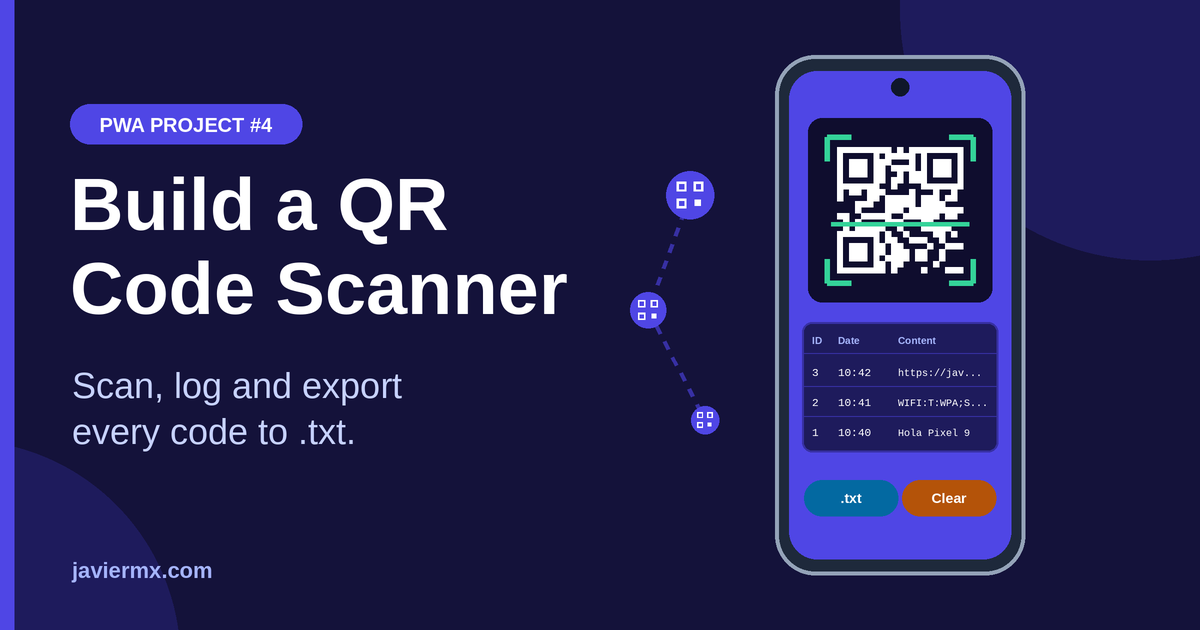
This series started with what a PWA is. Since then I’ve covered vibration, motion sensors and saving GPS locations. Now: a QR code scanner that runs in the browser, keeps a table of every code it reads, and exports the list to a text file.
What it does
Opens the rear camera and scans continuously.
Saves each code with an ID, the date and the content.
Shows everything in a table, newest first.
Exports the table as a .txt file.
Step 1: open the camera
const stream = await navigator.mediaDevices.getUserMedia({
  video: { facingMode: "environment" },
  audio: false
});
video.srcObject = stream;
await video.play();const detector = new BarcodeDetector({ formats: ["qr_code"] });
async function scan() {
const found = await detector.detect(video);
if (found.length) save(found[0].rawValue);
setTimeout(scan, 200); // about 5 scans per second
}ctx.drawImage(video, 0, 0, w, h);
const img = ctx.getImageData(0, 0, w, h);
const code = jsQR(img.data, w, h);
if (code) save(code.data);const db = await openDB(); // object store with autoIncrement id
const tx = db.transaction("codes", "readwrite");
tx.objectStore("codes").add({ timestamp: Date.now(), content: value });if (value === lastValue && Date.now() - lastSeen < 3000) return;const lines = records.map(r =>
`${r.id}\t${new Date(r.timestamp).toLocaleString()}\t${r.content}`
);
const blob = new Blob(["ID\tDate\tQR content\n" + lines.join("\n")],
{ type: "text/plain" });
const a = document.createElement("a");
a.href = URL.createObjectURL(blob);
a.download = "qr-codes.txt";
a.click();