How to Make a Button That Vibrates Your Phone with a PWA
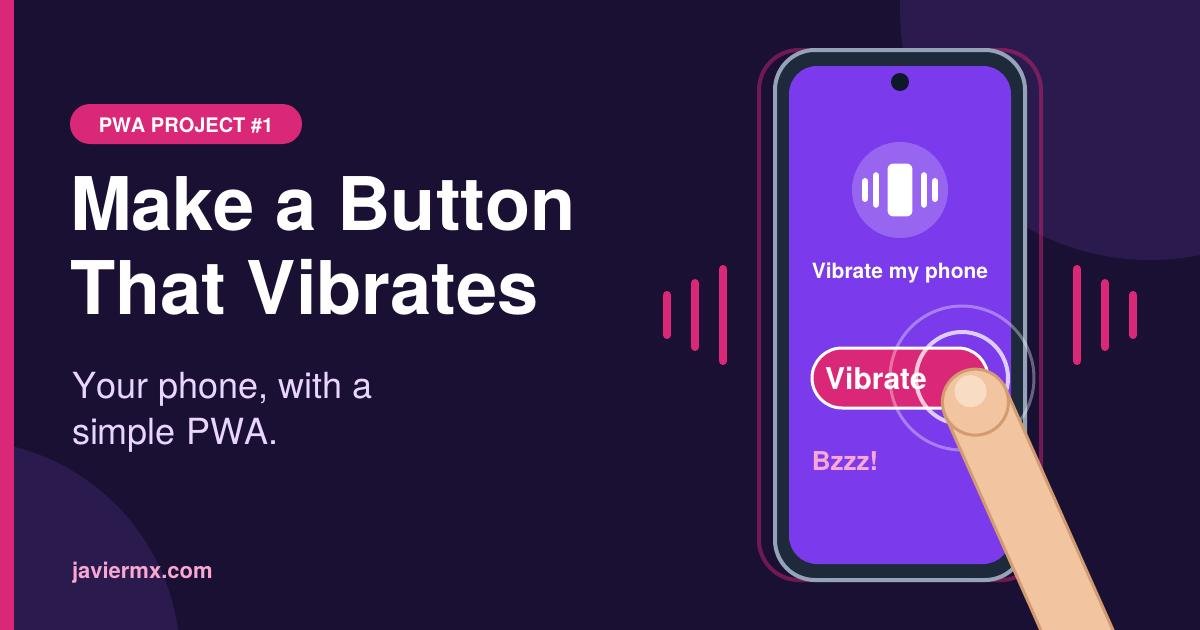
In my last post I explained what a PWA is: a website that acts like an app. Now let's build one. The easiest first project is a button that makes your phone vibrate.
It takes 4 small files and about 15 minutes.
How vibration works
Browsers include a built-in function for this:
navigator.vibrate([200, 100, 200]);<!doctype html>
<html lang="en">
<head>
<meta charset="utf-8">
<meta name="viewport" content="width=device-width, initial-scale=1">
<link rel="manifest" href="manifest.json">
<title>Vibrate PWA</title>
</head>
<body>
<h1>Vibrate my phone</h1>
<button id="btn">Vibrate</button>
<p id="msg"></p>
<script src="app.js"></script>
</body>
</html>if ("serviceWorker" in navigator) {
navigator.serviceWorker.register("sw.js");
}
const btn = document.getElementById("btn");
const msg = document.getElementById("msg");
btn.onclick = () => {
if ("vibrate" in navigator) {
navigator.vibrate([200, 100, 200]);
msg.textContent = "Bzzz!";
} else {
msg.textContent = "Vibration is not supported here.";
}
};{
"name": "Vibrate PWA",
"short_name": "Vibrate",
"start_url": "./",
"display": "standalone",
"background_color": "#ffffff",
"theme_color": "#2563EB",
"icons": [
{ "src": "icon-192.png", "sizes": "192x192", "type": "image/png" },
{ "src": "icon-512.png", "sizes": "512x512", "type": "image/png" }
]
}const CACHE = "v1";
const FILES = ["./", "index.html", "app.js"];
self.addEventListener("install", (e) => {
e.waitUntil(
caches.open(CACHE).then((c) => c.addAll(FILES))
);
});
self.addEventListener("fetch", (e) => {
e.respondWith(
caches.match(e.request)
.then((r) => r || fetch(e.request))
);
});